The free wedding budget spreadsheet
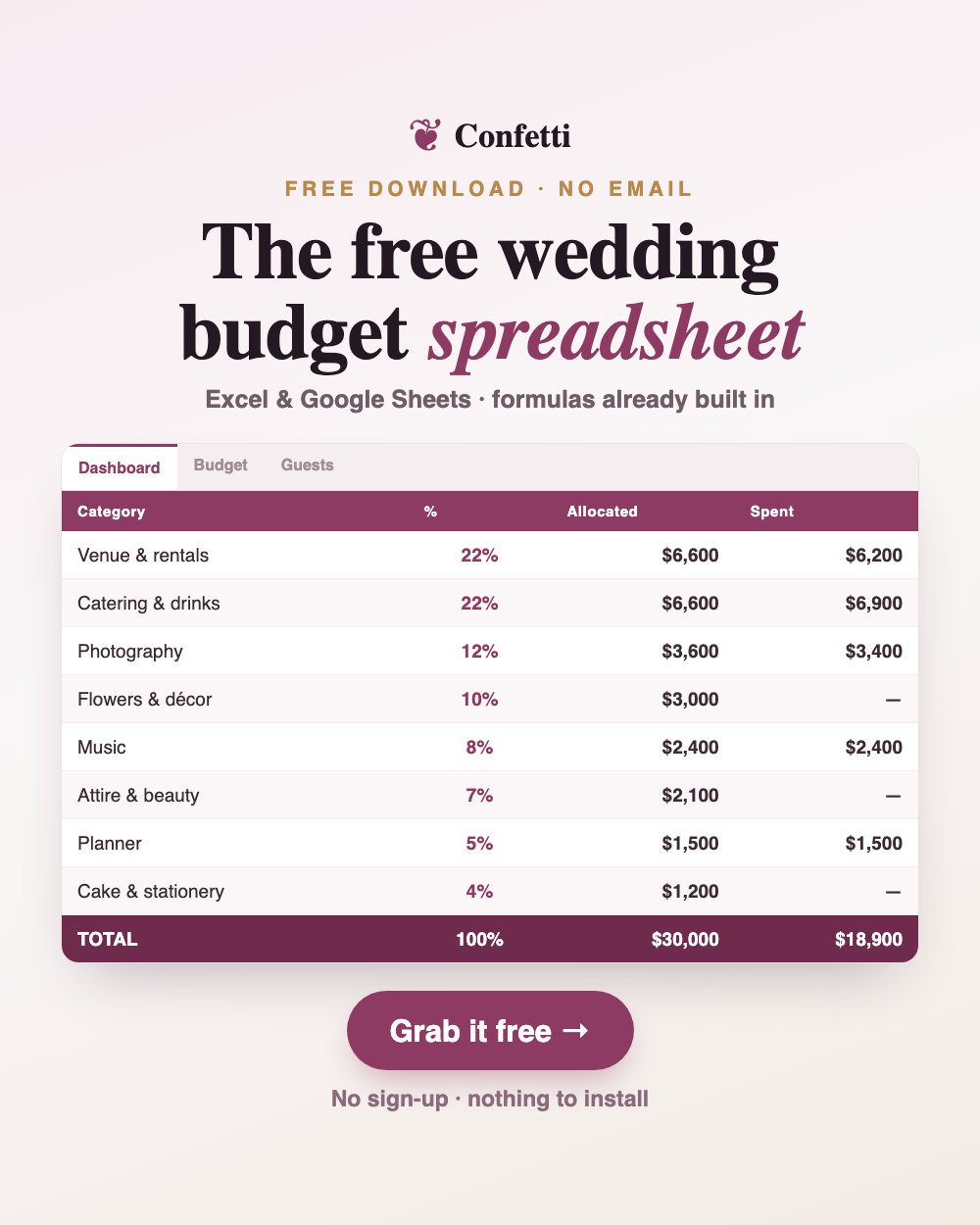
Excel or Google Sheets. Live formulas already built in. No email, no sign-up — just the file.
Almost every "free" wedding budget spreadsheet asks for your email first. This one doesn't. Click the link, get the file, close the tab if you like — we don't collect anything and there's nothing to unsubscribe from later.
Download the spreadsheet
.xlsx — works in Excel, Google Sheets, Numbers and LibreOffice.
⬇ Download free — no email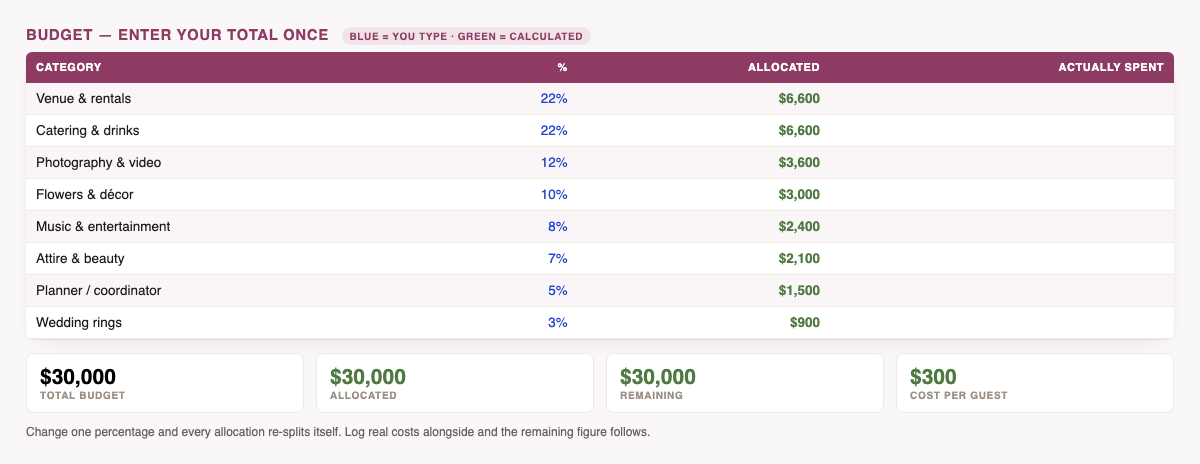
What's inside
- A summary dashboard — total budget, allocated, actually spent, what's remaining, and cost per guest, all updating live.
- A budget tab with 14 categories already filled in using typical percentages — venue, catering, photography, flowers, music, attire, planner, rings, cake, stationery, transport, favors, officiant and a buffer.
- Formulas that already work. Type your total once; every allocation calculates itself.
- A spent column so you can log real costs as you book and watch the difference update.
- Colour-coded input cells — only the blue ones are yours to edit, with a legend explaining it.
You don't need to be a spreadsheet person. Enter your total budget in one cell and the whole thing populates. If you want to shift money toward photography and away from flowers, change two percentages — the amounts follow.
How to use it in Google Sheets
Download the file, then in Google Sheets choose File → Import → Upload and drop the .xlsx in. Every formula carries across. In Excel or Numbers, just open it.
The percentages it starts with
These are typical U.S. averages — a sensible starting shape, not a rule. Change any of them.
| Category | % | On a $30,000 budget |
|---|---|---|
| Venue & rentals | 22% | $6,600 |
| Catering & drinks | 22% | $6,600 |
| Photography & video | 12% | $3,600 |
| Flowers & décor | 10% | $3,000 |
| Music & entertainment | 8% | $2,400 |
| Attire & beauty | 7% | $2,100 |
| Everything else + buffer | 19% | $5,700 |
Prefer not to download anything?
The same budget planner runs right in your browser — nothing to install, and your numbers stay on your device.
Use the web version instead
Same categories, same maths, no file to manage.
Open the free budget planner →Common questions
Is it really free?
Yes — no email gate, no sign-up, no payment. We'd rather you find it genuinely useful and tell someone.
Will it work in Google Sheets?
Yes. Import the .xlsx and the formulas carry across.
Can I change the categories?
Of course. Rename them, delete what doesn't apply, add your own. It's your file.
Is my data sent anywhere?
No. It's a file on your computer. Nothing is uploaded, by us or by the spreadsheet.
Also free, same deal — no email: the wedding guest list template with RSVP tracking and automatic meal counts.
Want the full picture before you start? Read how much a wedding actually costs, how to save money on a wedding, and what to budget for tips.
Also free, no email: the vendor payment tracker — deposits, balances and due dates across every vendor, with overdue payments flagged automatically.
And for afterwards: the gift & thank-you tracker.
See all six free wedding spreadsheets in one place.